

Short video tutorials, from your first character to going live with OBS and Twitch.
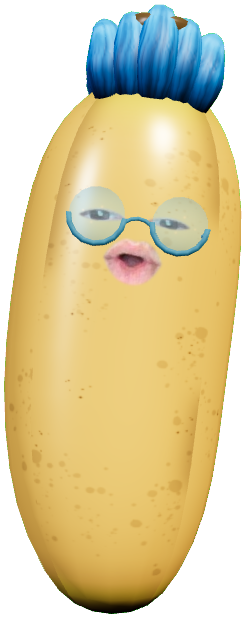 01Getting startedStart your camera and put your face on your first character.Watch on YouTube
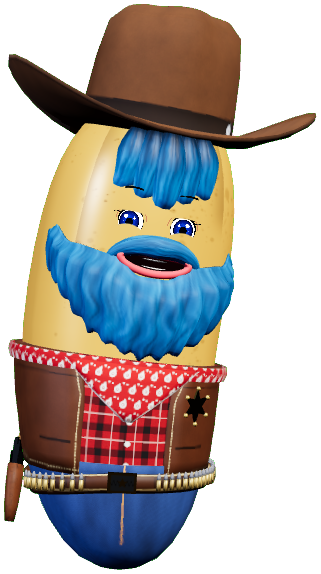 02Customise your characterAdd accessories and hairstyles, sort your characters into folders and set up the lighting.Watch on YouTube
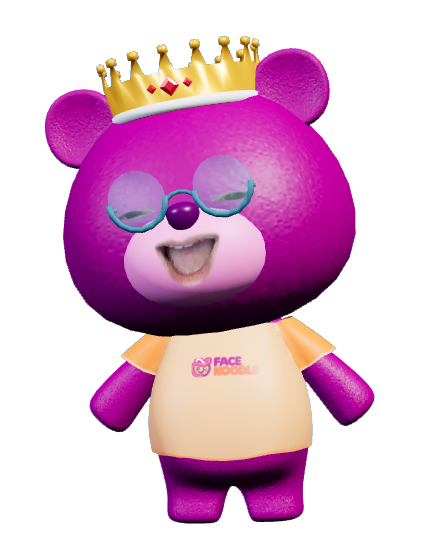 03Import methods, tricks and tipsThe different ways to bring characters and models into FaceNoodle, plus handy tips.Watch on YouTube
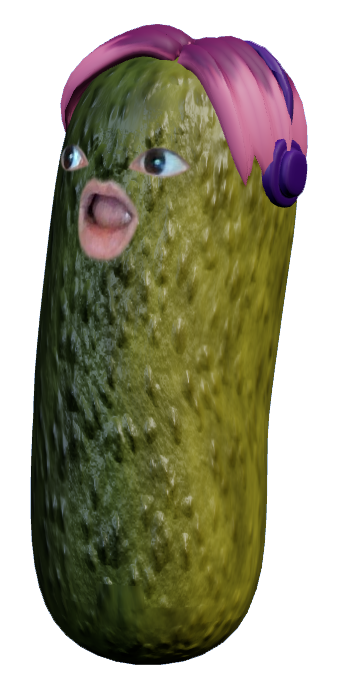 04Scenes, hotkeys and OBSCreate scenes, set hotkeys and connect FaceNoodle to OBS Studio.Watch on YouTube
 Coming soon
05Twitch and YouTube chat commandsLet your viewers change your outfit from the chat.
 Coming soon
06Create a character in BlenderModel your own character and bring it into FaceNoodle.
Write to us and we’ll help you out.